Themes
A theme gives the whole map its colours: the roads, the base map and the background. It combines with any travel mode and path style.
| Theme | Feel | For |
|---|---|---|
osm (default) |
detailed and colourful, as openstreetmap.org | exploring an area, checking the data |
google |
clean and friendly: light land, white streets, yellow main roads, light blue water, soft green parks | maps for everyone |
grey |
quiet greys, a hint of blue water and green parks | your own data on top: flows, routes, sensors |
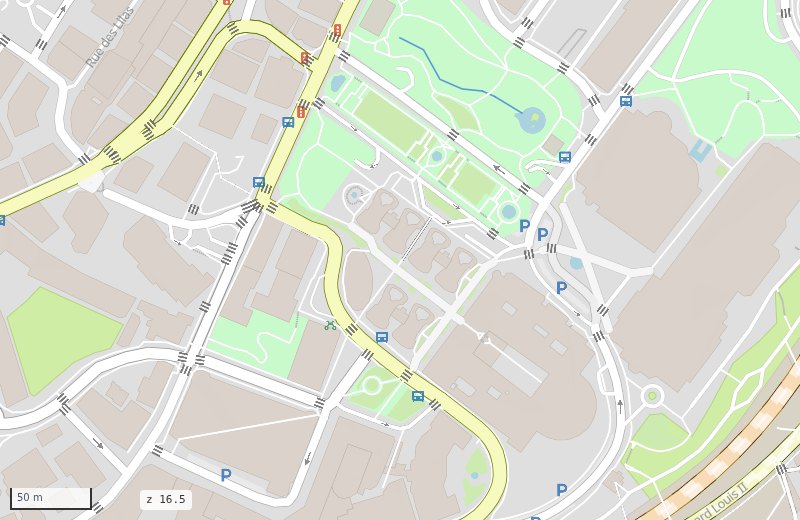
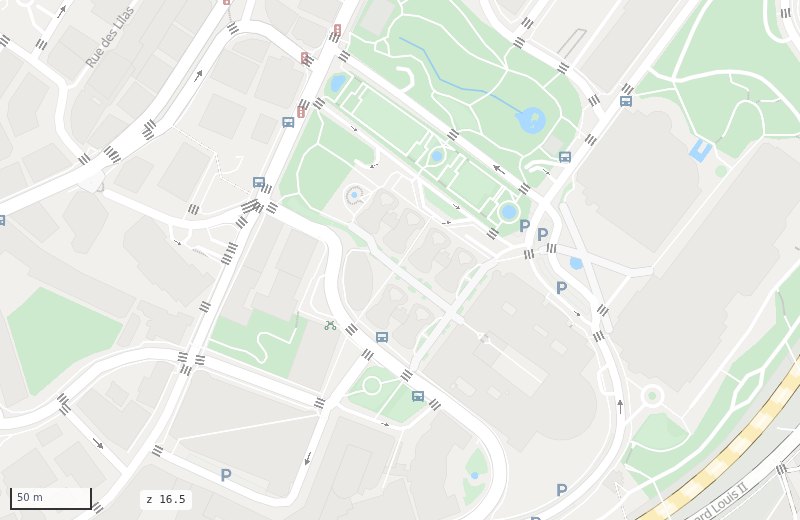
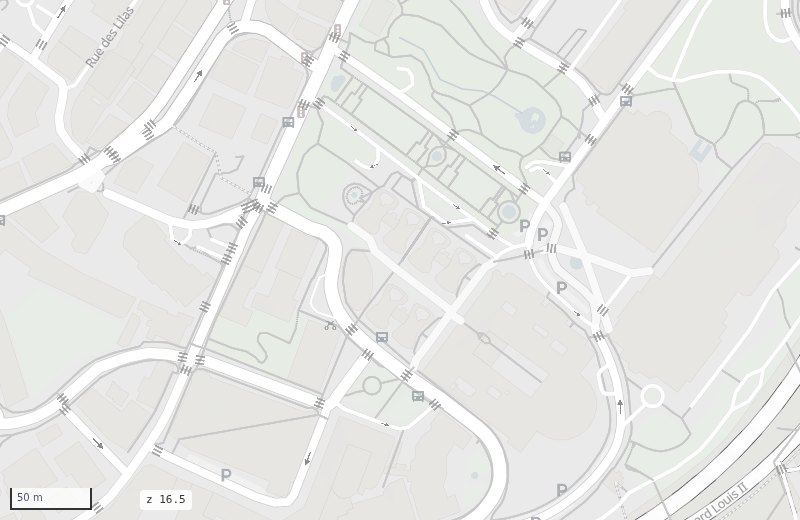
ms.render_map("monaco.duckdb", theme="google")
ms.render_map("monaco.duckdb", mode="walking", theme="grey")
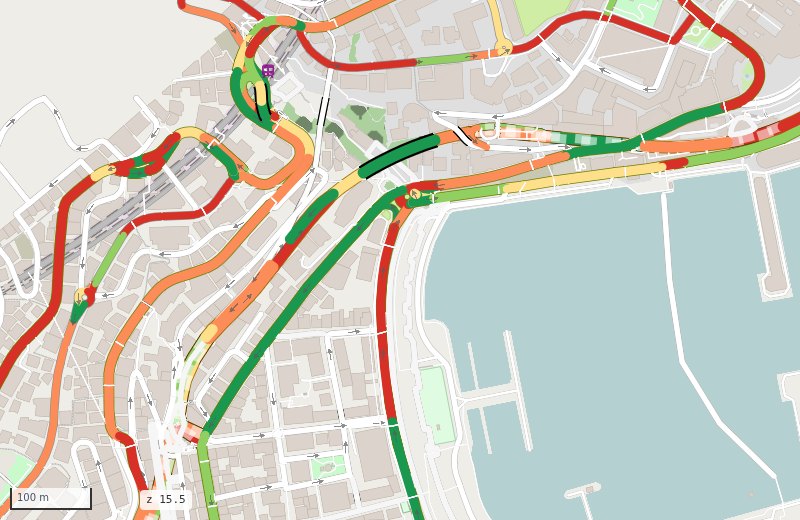
Your data on top
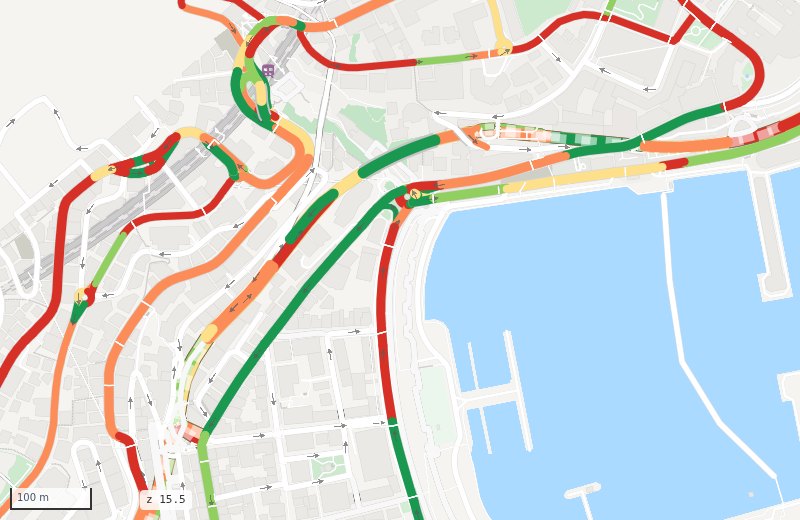
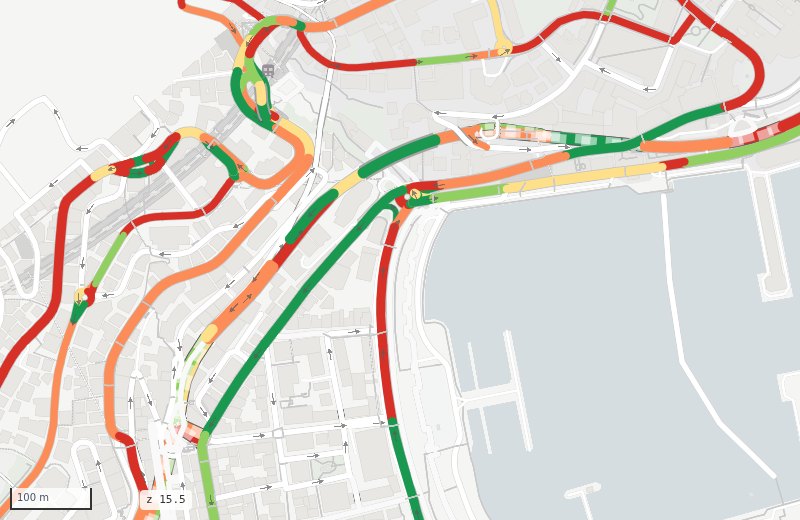
A theme never changes your own colours: rsColor, colour options, the dashboard's colouring by
mode, the route planner's route. On grey they stand out most:
Make your own
A theme is one short YAML file in src/mapstyle/styles/themes/. It never has to list every colour:
a transform recolours everything of the osm look, then you set the colours that matter.
# styles/themes/mine.yaml
background: "#f5f5f3"            # the land
transform:                        # every osm colour not set below:
  saturation: 0.3                 #   keep 30 % of its colour
  lighten: 0.25                   #   then 25 % of the way to white
roads:
  colors:
    primary: {fill: "#fde9a6", casing: "#ead08a"}   # same keys as styles/osm_carto.yaml
features:
  areas:
    water: {fill: "#aadaff"}
  landcover_pattern: {}           # {} empties a section: here, no textures
paths:
  footway: {fill: "#c9c9c9"}      # path colours over any path style
roadstyle:
  bridge_casing_color: "#c4c4c4"  # roadstyle settings
Then --theme mine. See Styles for every key.